

Stop Drowning in Browser Tabs. Start Planning With Confidence.
You’ve got 17 Pinterest boards, 50 browser tabs open, and a Google Doc titled “Hawaii Trip Ideas” with exactly three bullet points.
You need to figure out when you can go, how much it’ll cost, which island to pick, and what you want to do there.
But every blog post assumes you already know these things.
Right now your planning is scattered across emails, screenshots, and random notes.
You need one place to work through your decisions and track everything.
That’s what this workbook does.
Is This Right for You?
Perfect For:
- Early-stage planners who know they want Hawaii but nothing else
- Budget-conscious families who need to see real numbers before booking
- Overwhelmed decision-makers (Maui? Kauai? Big Island? How do I choose?)
- Print-it-out people who think better with pen and paper (or iPad people who like PDFs)
NOT For:
- Trip is already booked (you don’t need planning worksheets)
- You wing every vacation without planning
How This Works
Most planners give you blank boxes. This one asks questions that help you decide.
The “When Can I Go?” worksheet asks:
- When is your available PTO?
- Kids’ school breaks?
- What’s Hawaii’s weather like in those months?
- When are flights cheapest vs most expensive?
You work through it and realize: “Okay, we can do spring break or Thanksgiving. Spring break = better weather but flights are $1,200/person. Thanksgiving = rain risk but flights are $600/person.”
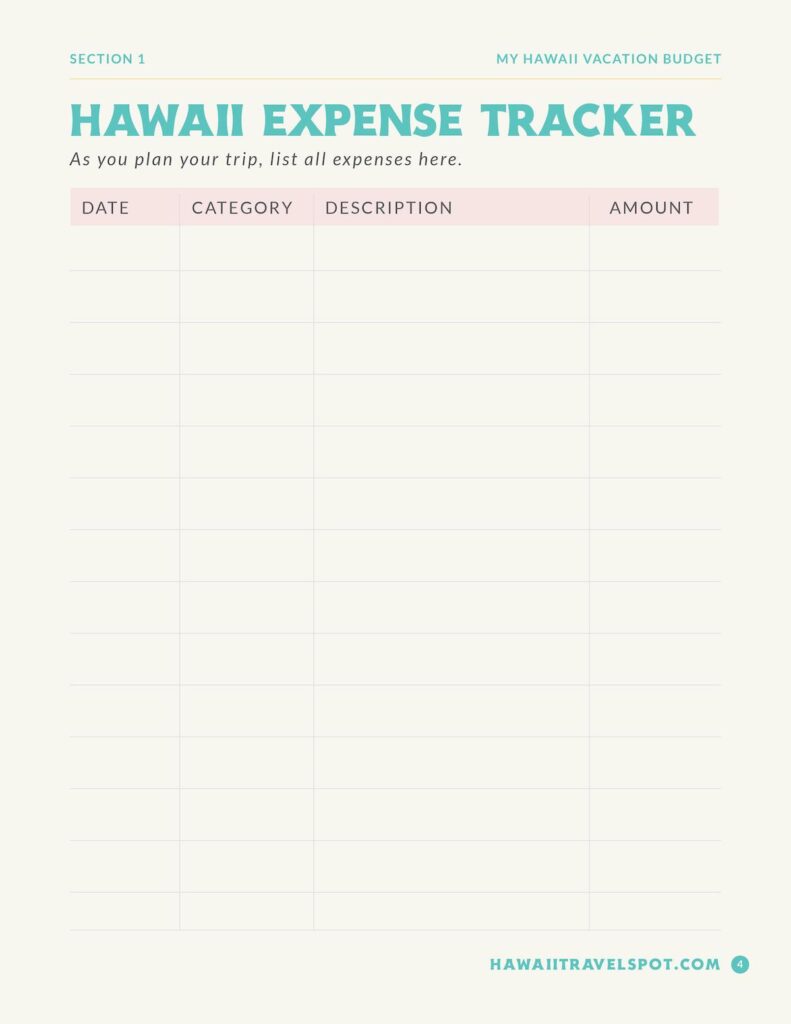
The budget worksheet breaks it down:
- Flights: 4 people × $800 = $3,200
- Hotel: 7 nights × $300 = $2,100
- Car rental: 8 days × $70 = $560
- Activities: $150/day × 7 = $1,050
- Food: $120/day × 7 = $840 Total: $7,750
You see the real number. Not “Hawaii is expensive” anxiety—an actual dollar amount you can save toward.
The “Which Island?” worksheet asks what excites you:
- Beaches and snorkeling? → Maui
- Active volcano and stargazing? → Big Island
- Hiking and waterfalls? → Kauai
- Pearl Harbor and culture? → Oahu
Your answers point you toward the right island.
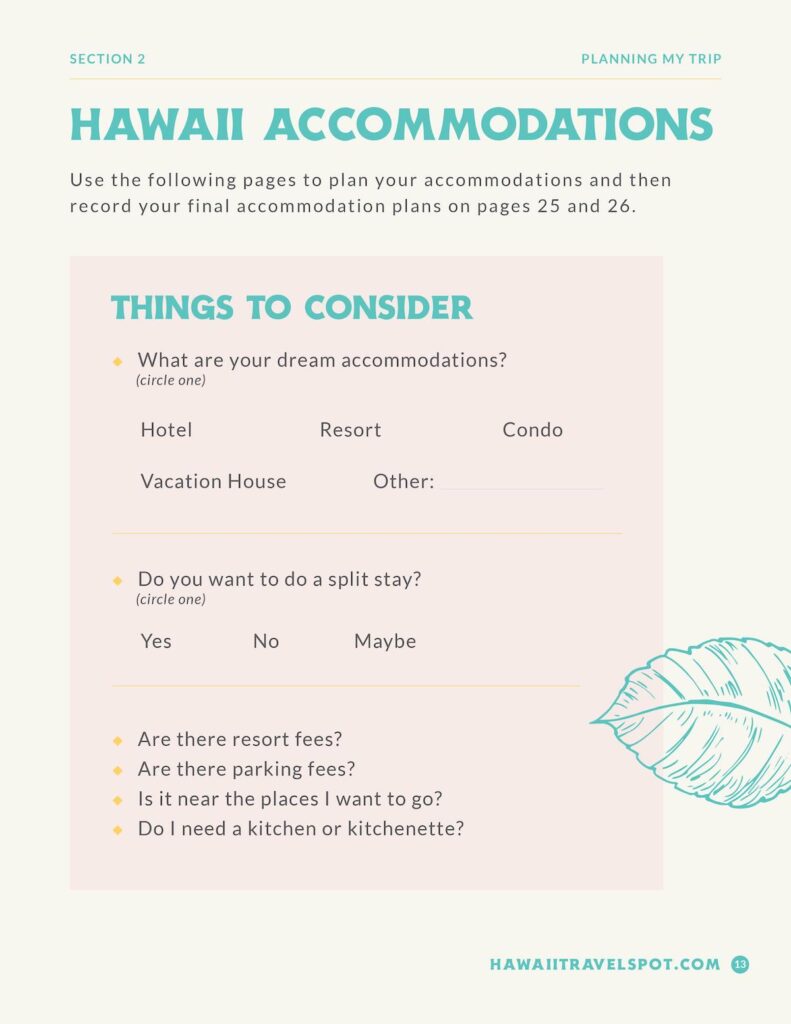
Then you get worksheets to track flight confirmations, hotel details, rental car info, and daily plans. Everything lives in one place instead of scattered across Gmail.
What’s Inside
Planning Worksheets:
- When can I realistically go? (dates + weather)
- What will this cost? (budget calculator)
- Which island matches what I want? (decision guide)
- Booking trackers (flights, hotel, car, activities)
Trip Building:
- Fill-in-the-blank daily itineraries (no blank page anxiety)
- Packing list for Hawaii (reef-safe sunscreen, water shoes, snorkel gear)
- Pre-trip checklist (stop mail, download offline maps, charge devices)
Journal Section:
- Daily trip notes
- Beach reviews (which ones to return to)
- Restaurant tracker (remember the good poke bowl place)
- Activity reviews (was the lu’au worth it?)
62 pages total. Print what you need.

How This Works With Travel Guides
Using this alone: You get the planning structure. You research beaches, restaurants, and activities on your own. This organizes your research.
Pairing with my travel guides: The guide tells you WHAT to do (tested itineraries, restaurant recommendations). This workbook helps you DECIDE which parts you want and TRACK your bookings.
Example:
- Maui guide says: “Day 3: Road to Hana with stops at Twin Falls, Ke’anae, black sand beach”
- This workbook helps you: Note your rental car confirmation, track which stops you did, journal which waterfall your kids loved
They work better together. But this works fine alone.

Common Questions
Is this just blank pages? No. Every worksheet has prompts and questions. The budget page isn’t a blank box—it breaks down flights, hotel, car, food so you calculate real numbers.
Do I print everything? Print what you’ll use. Many people print planning worksheets, skip the journal. Some print nothing and fill it out on iPad.
Do I need a travel guide too? Not required. If this is your first time, I’d suggest:
- Use this to figure out budget, dates, and island
- Once you know your island, grab that guide for detailed itineraries
Already picked my island? You probably don’t need the early planning worksheets. The booking tracker, itinerary planner, and journal sections might still help.
Why This Helps
You get a starting point. The “When Can I Go?” worksheet forces you past “someday I’ll go to Hawaii” into “Here are our three possible date windows.”
You make decisions. The island worksheet walks you through what you care about so you stop reading about all six islands.
Everything lives in one place. Flight times, hotel confirmation numbers, rental car details—it’s in your workbook, not scattered across email.
You remember your trip. Six months later you’ll forget which beach had the sea turtles. The journal section captures it while it’s fresh.

This Works as Your Entry Point
Not ready to commit $29.99 to a full island guide? Start here.
This helps you:
- See if Hawaii fits your budget this year
- Pick your island
- Organize early planning
Once you know your island and you’re ready for detailed itineraries—grab the guide. Or use this to organize your own research. Either works.

Why I Created This
I’m Marcie Cheung—Certified Hawaii Destination Expert and mom who’s planned 40+ Hawaii trips.
I created this because families kept emailing: “We want to go to Hawaii but we don’t know where to start.”
They didn’t need a 7-day itinerary yet. They needed help with:
- Is this affordable right now or should we save longer?
- Which island?
- When should we go?
- What do we care about seeing?
The worksheets walk you through the same questions I ask in consultations.
Once you work through them, you’ll know if you should book Maui or Kauai, whether April or October makes more sense, and if you’re ready to book or need to save six more months.
Then you can plan with confidence instead of anxiety.